Articles and video tutorials about the FileForge Desktop application.
Find Files and Folders
In this tutorial, we will be going over how to find files and folders effectively within FileForge. This will help you ensure your documents are organized and easily accessible.
1. Access Find Files Tool
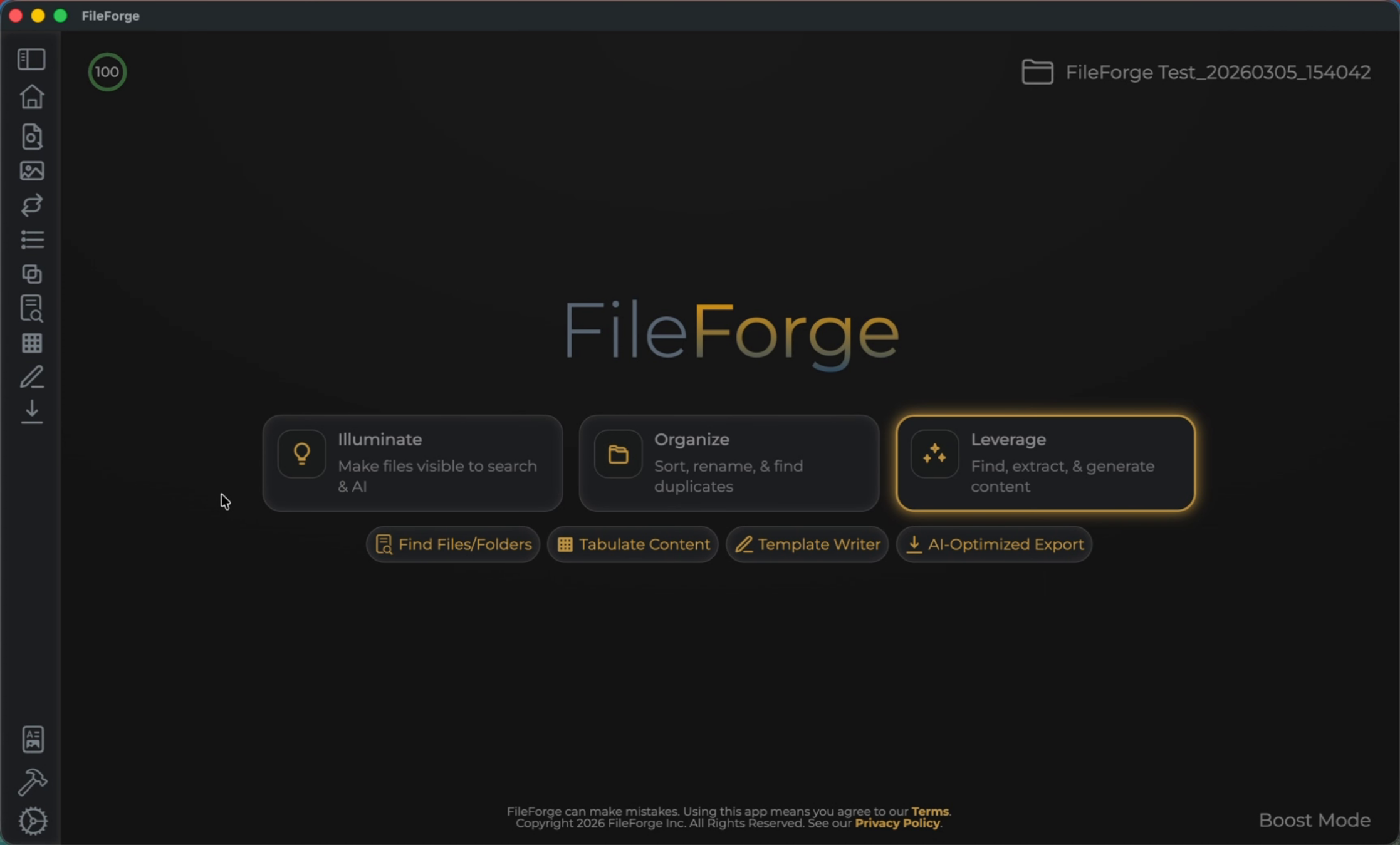
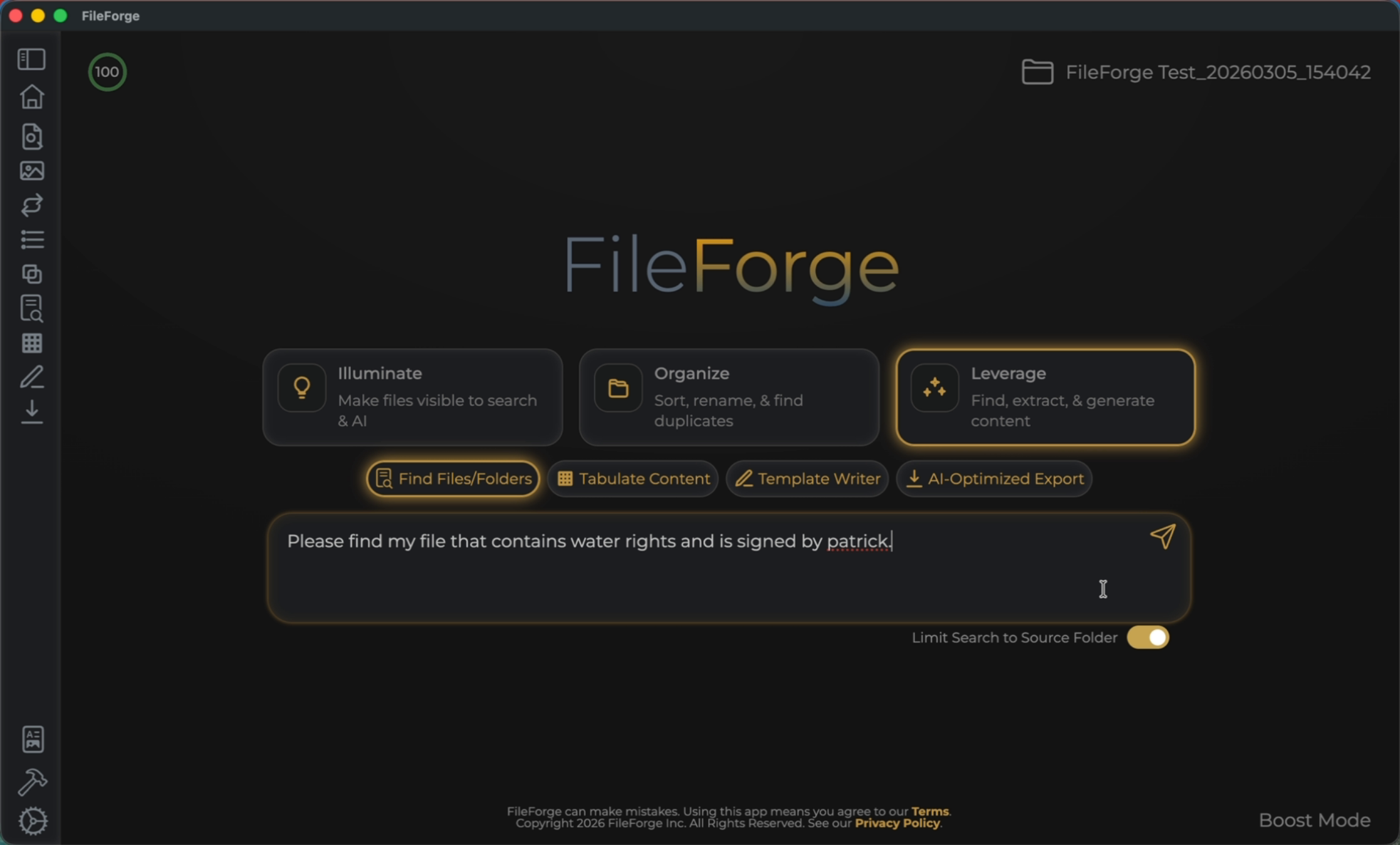
To use the Find Files and Folders tool, ensure you're on the Leverage tab. From there, select the Find Files and Folders. This will provide you with a prompt input box to find files and folders.
2. Send Search Prompt
Input your prompt. The example prompt states, "find my file that contains water rights and is signed by Patrick." Once you're good with your prompt, select send.
3. Verify Search Results
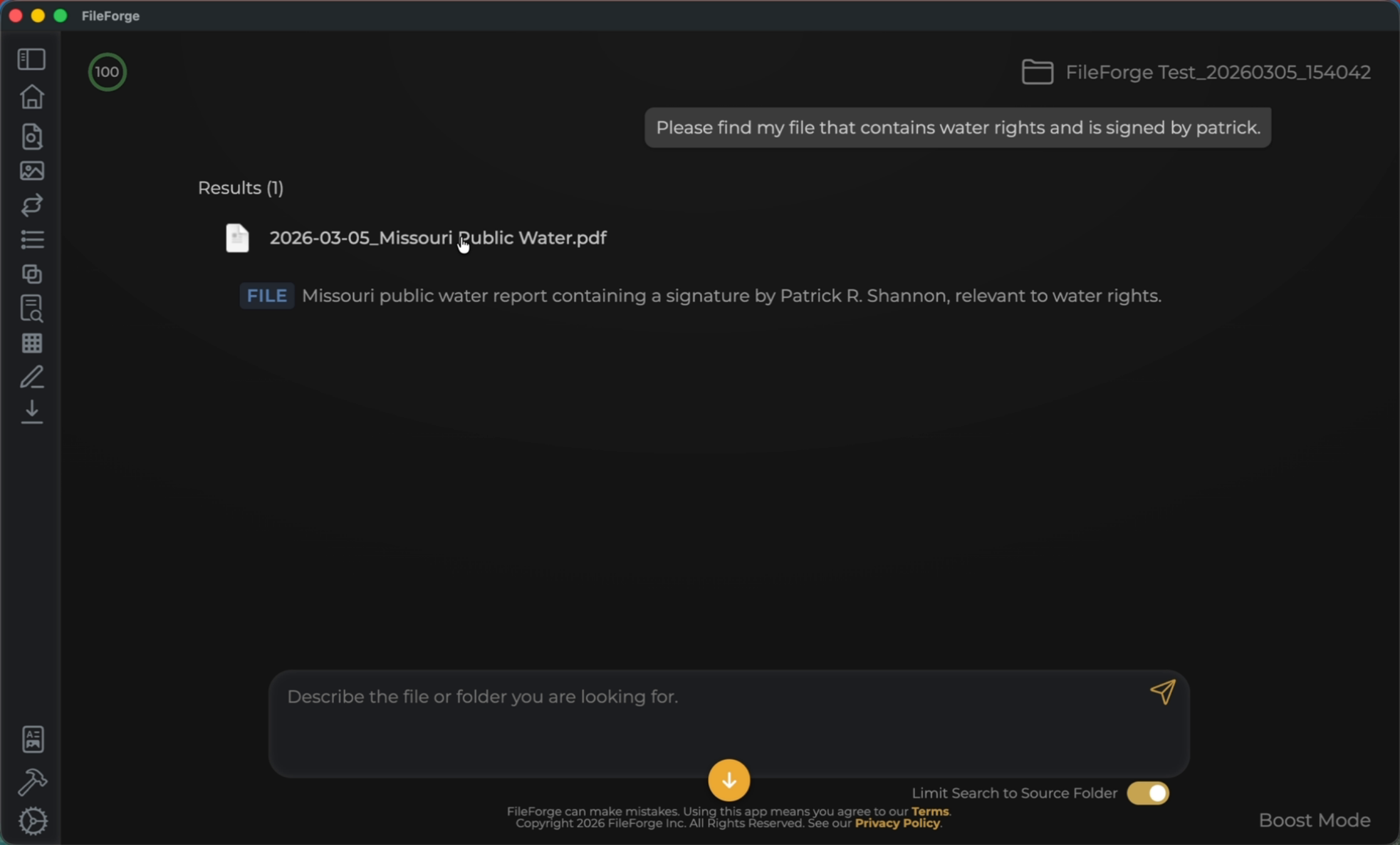
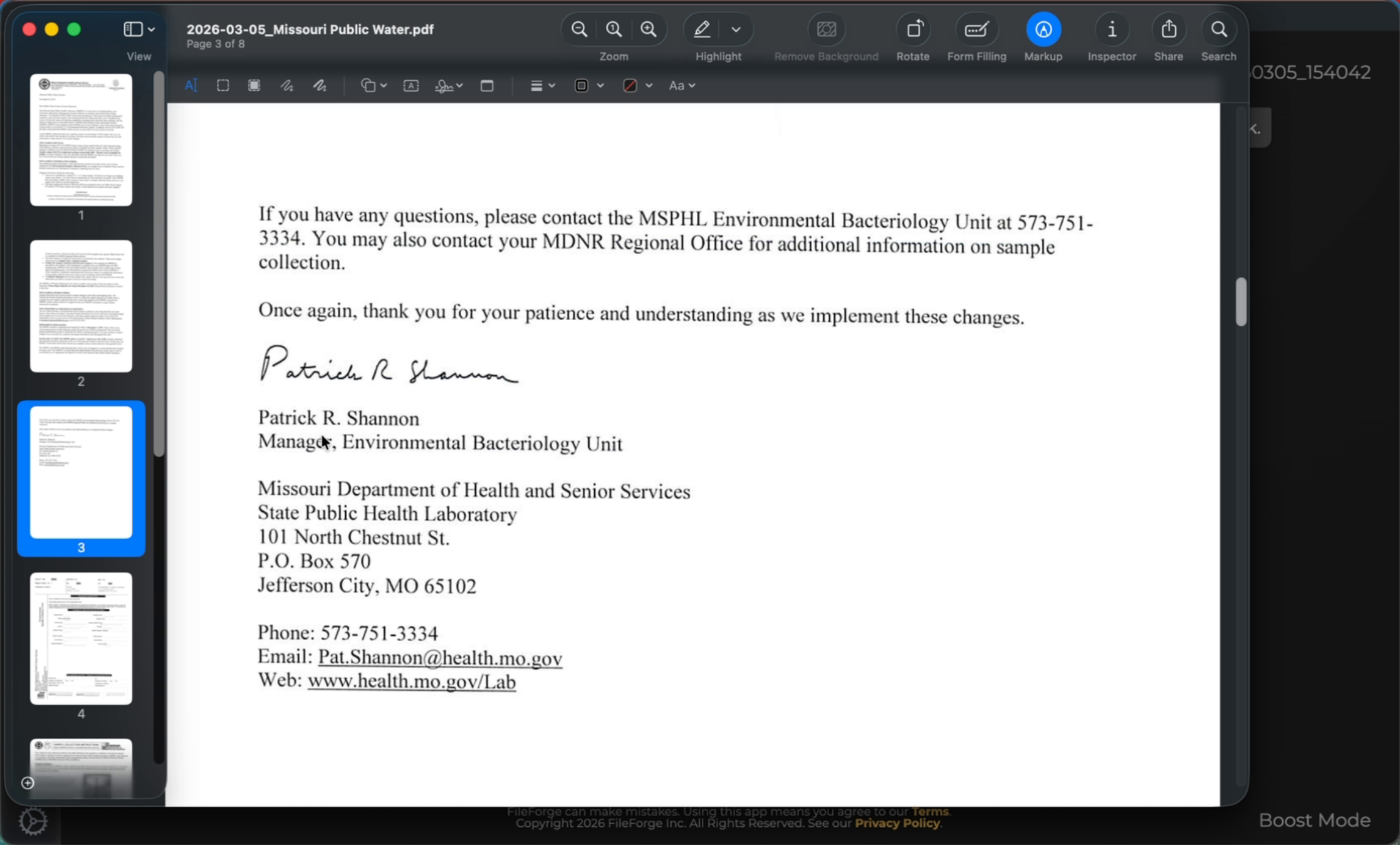
You can see from the results here that it was able to find a public water PDF here. Open the file to confirm that your prompt found the correct document.
4. Benefits of Illumination Process
From this example PDF, we can see that this is a water document signed by Patrick.
This tutorial demonstrated how to find files and folders within FileForge using the Find Files and Folders tool. You learned to construct search prompts, verify results, and understand the benefits of illuminating scanned documents for better searchability.