Articles and video tutorials about the FileForge Desktop application.
Find Duplicates
This tutorial guides you through using the find duplicates function in FileForge. You will learn how to locate and archive duplicate files efficiently to keep your folders organized.
1. Access Organize Tab
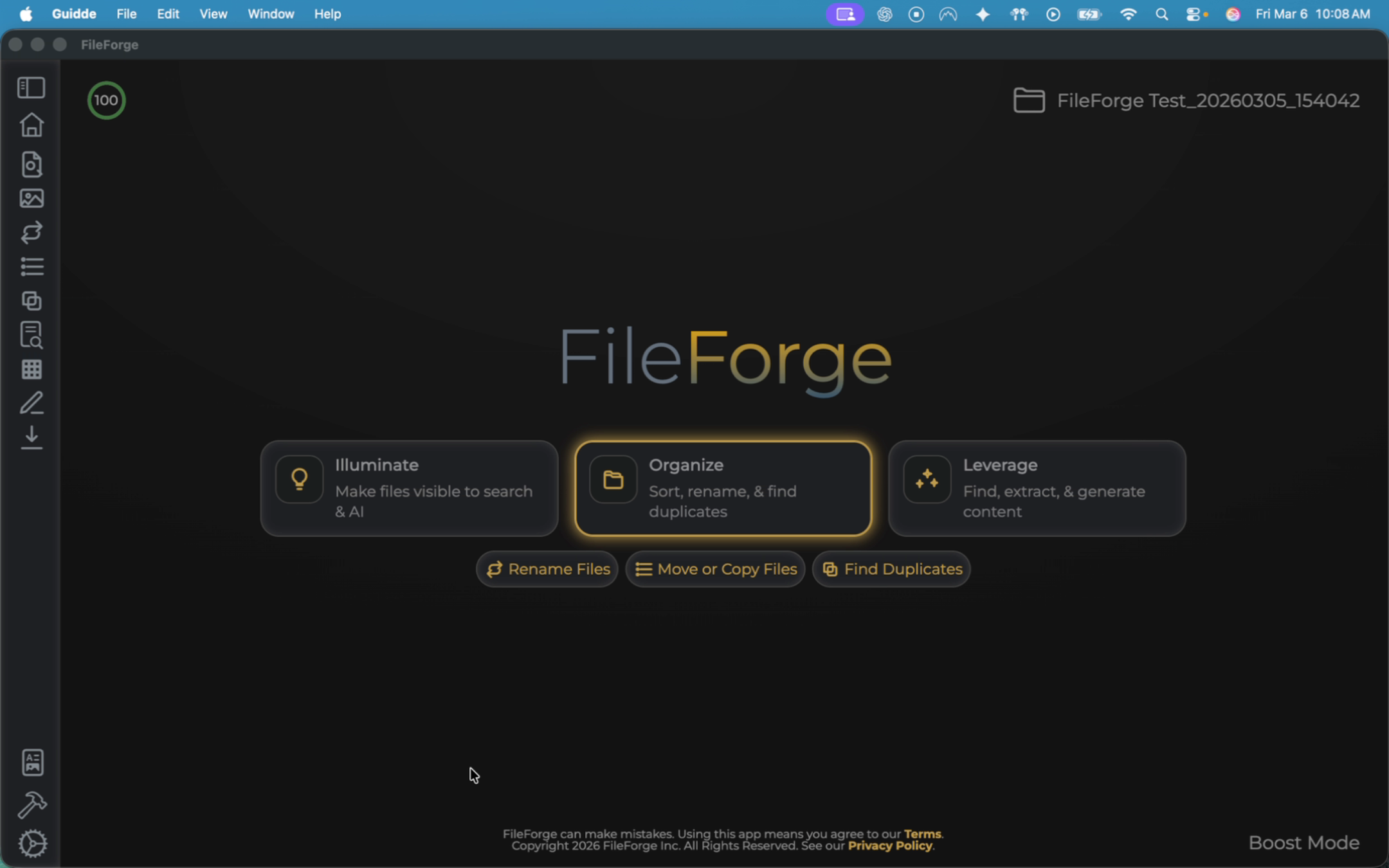
The first thing you want to do is make sure you are on the Organize tab. From there, select the Find Duplicates function.
2. Preview Duplicate Search Details
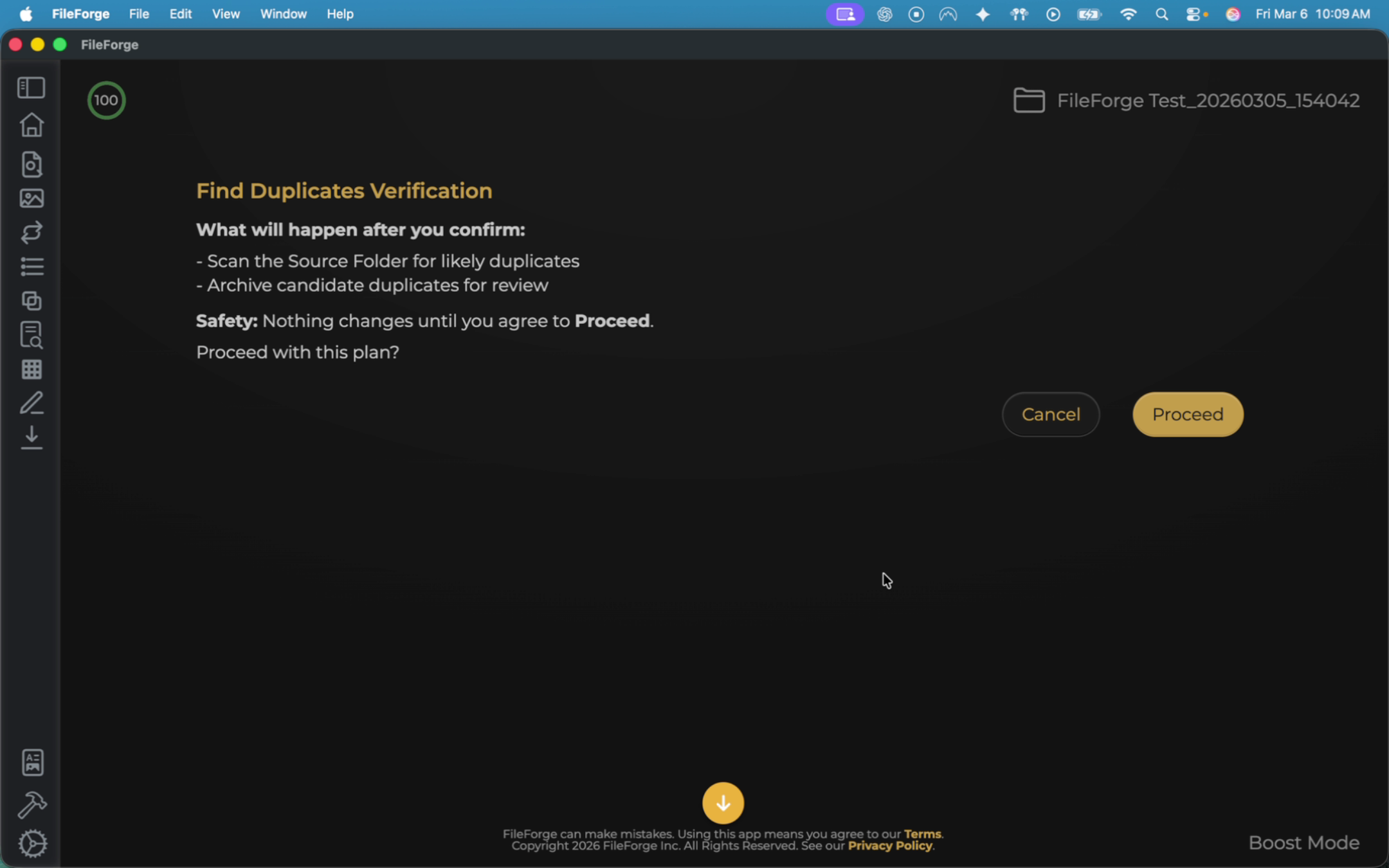
Similar to any other FileForge function, the system will provide you with a preview of what it's going to do before you proceed with the function.
3. Examine Folder Contents And Duplicates
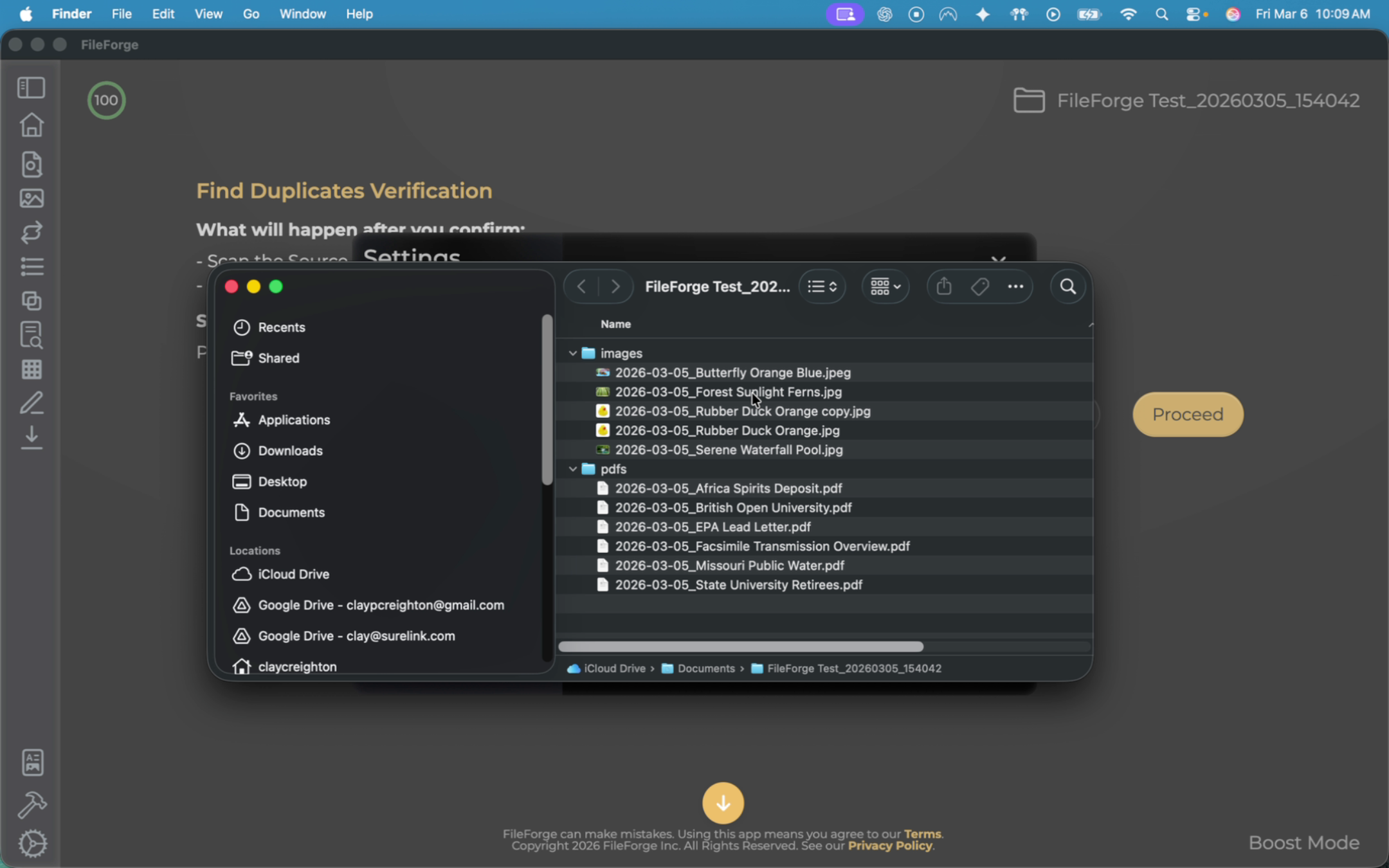
Before you run this, let's take a look at the example source folder. In this example, there are duplicate images of a rubber duck.
4. Proceed With Duplicate Search
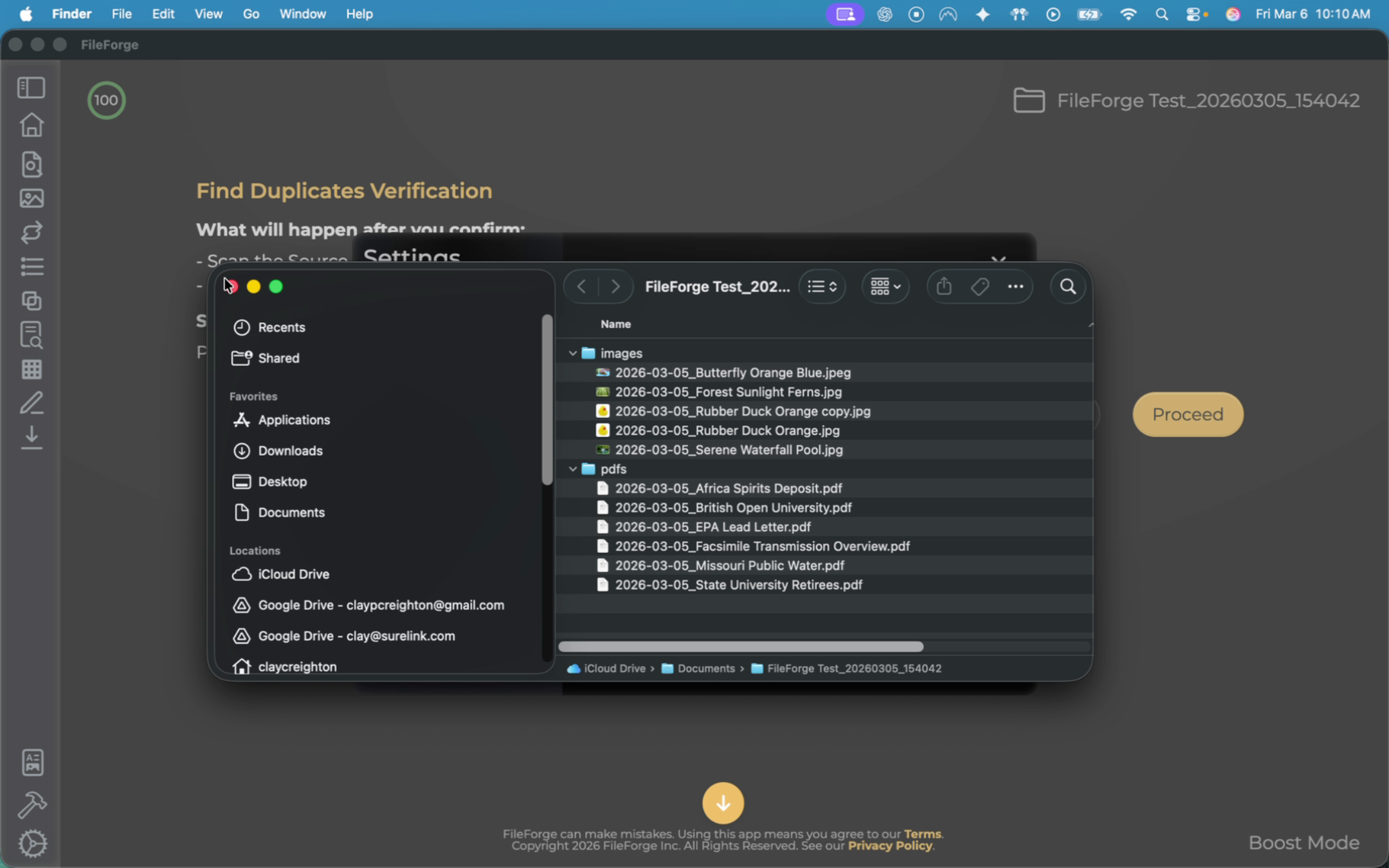
Close out the file window and select proceed in FileForge.
5. Confirm Archive And Access Link
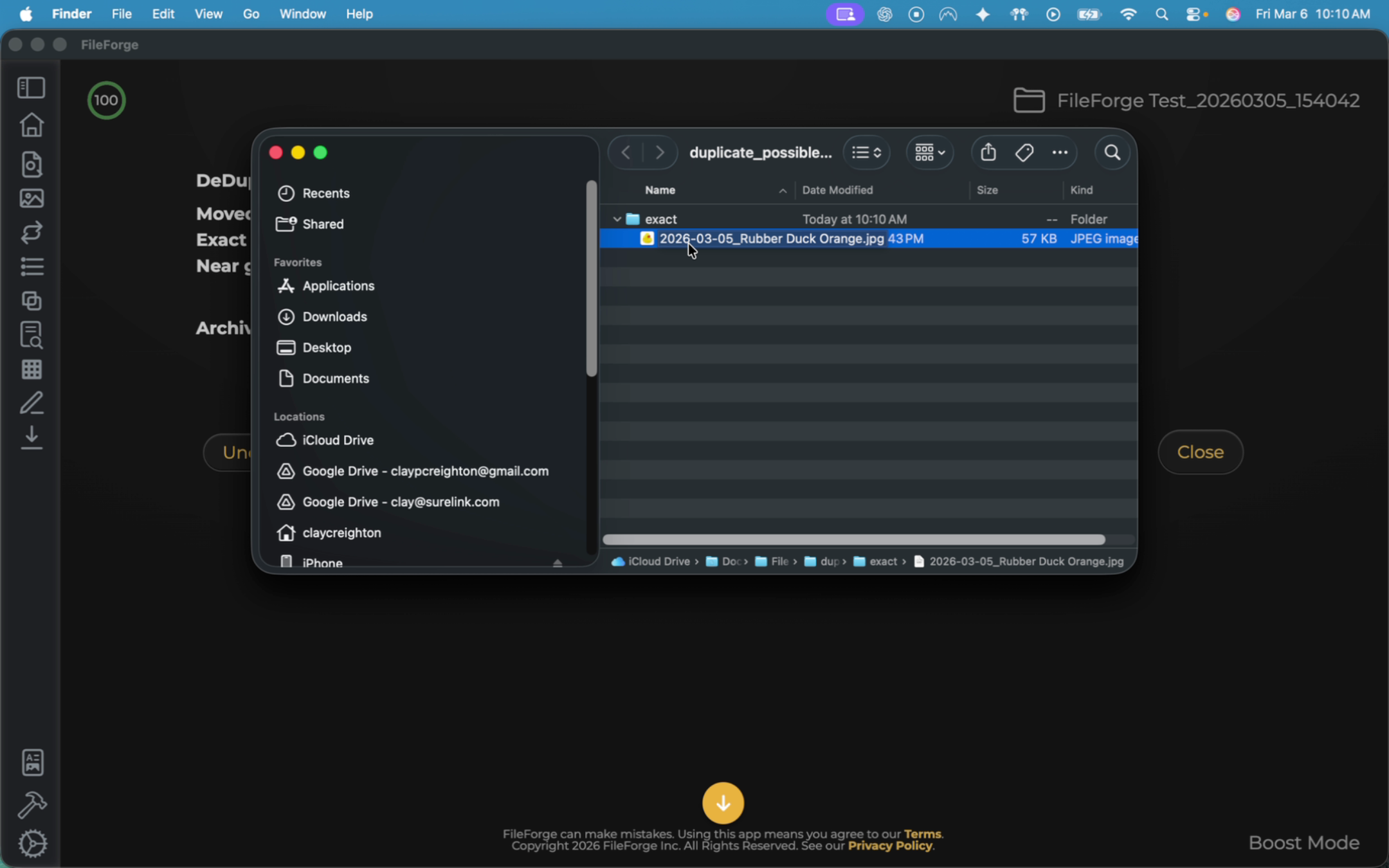
Review the summary. FileForge moved and archived one file and provides you with a link to that archive folder. Open up that archive folder to see what it did.
6. Decide On Duplicate File Options
FileForge moved the duplicate rubber duck image into a duplicate folder. At this point, you can decide if you want to delete this image or simply just keep it in a duplicate folder.
You have successfully used FileForge's find duplicates function to identify and archive duplicate files. You can now review archived duplicates and decide whether to keep or delete them.