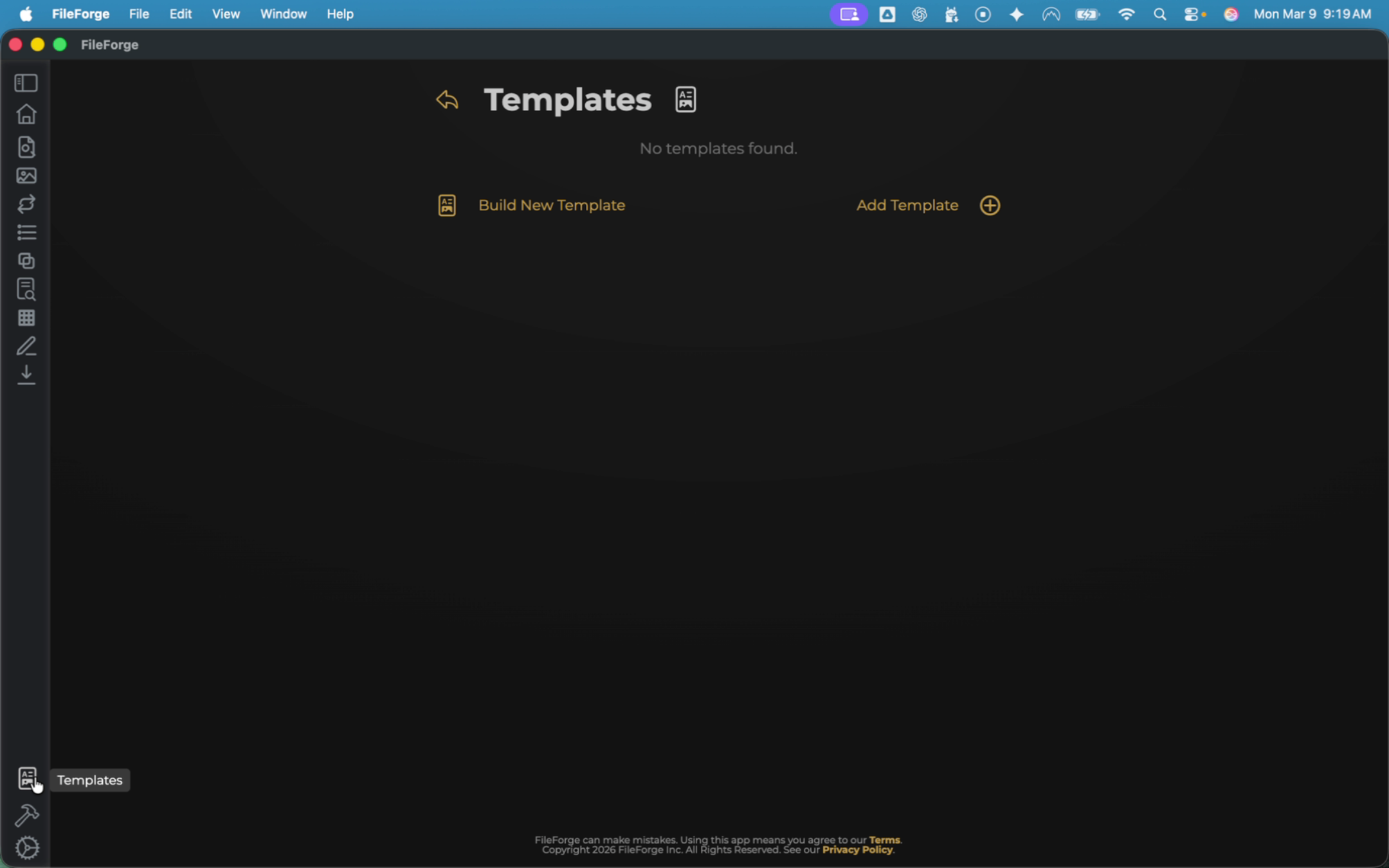
To begin this process, select the Templates function in the bottom left of your sidebar menu.
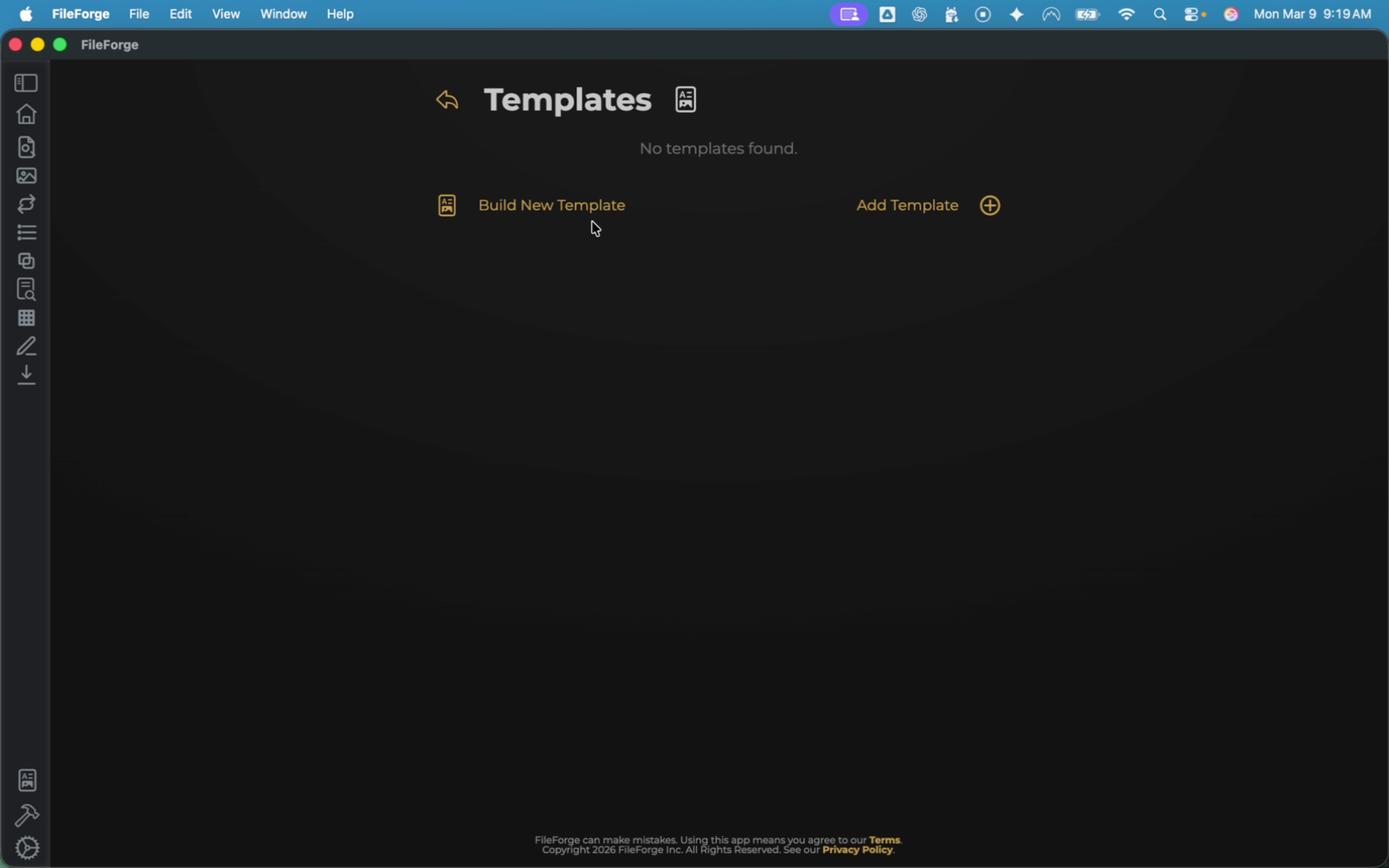
From there, you have two options. You can either choose to build a new template or add an existing template if you have one available.
For this example, select Build Template.
In today's example, we're going to generate a template for an employee agreement. Choose file and search for that agreement.
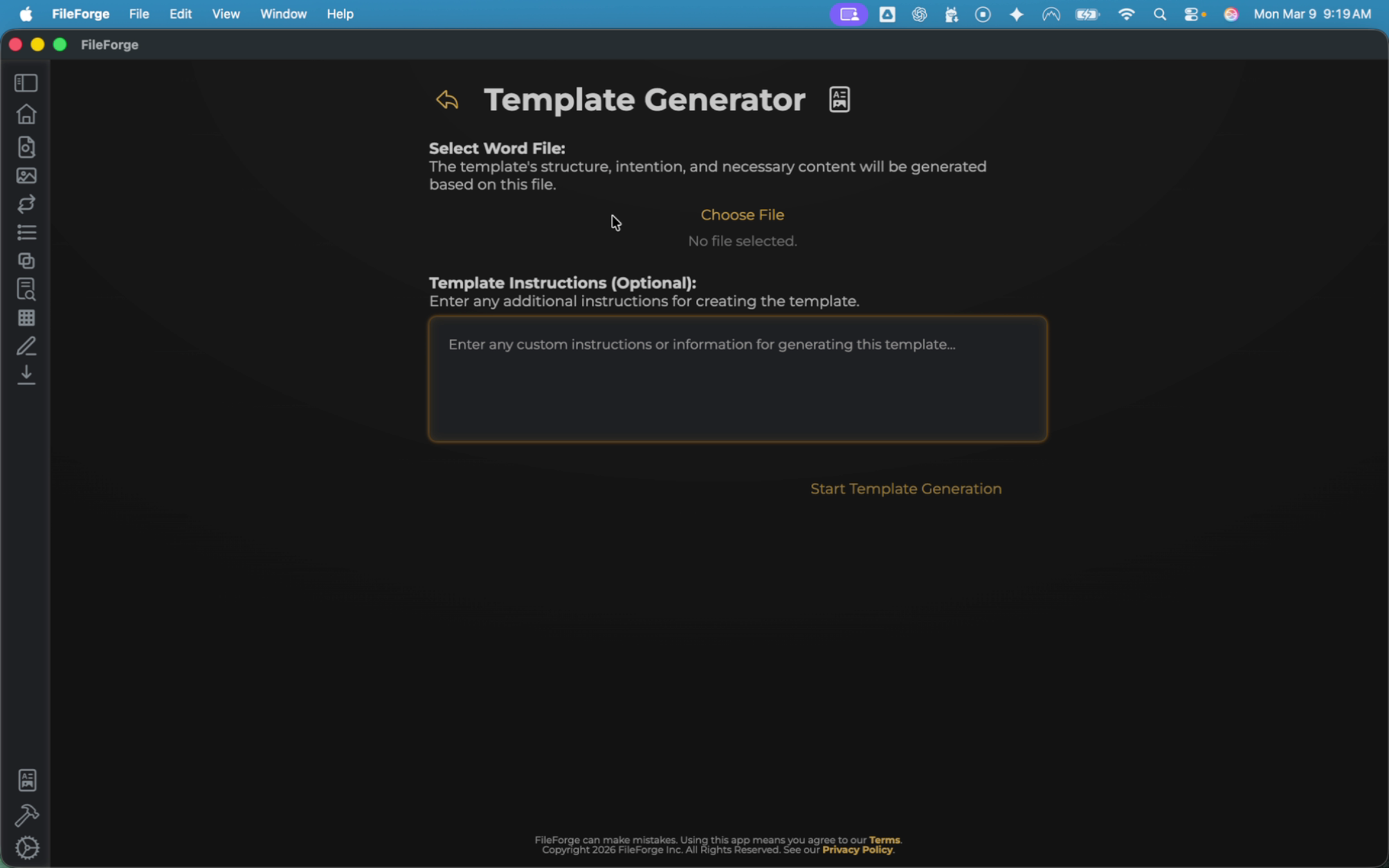
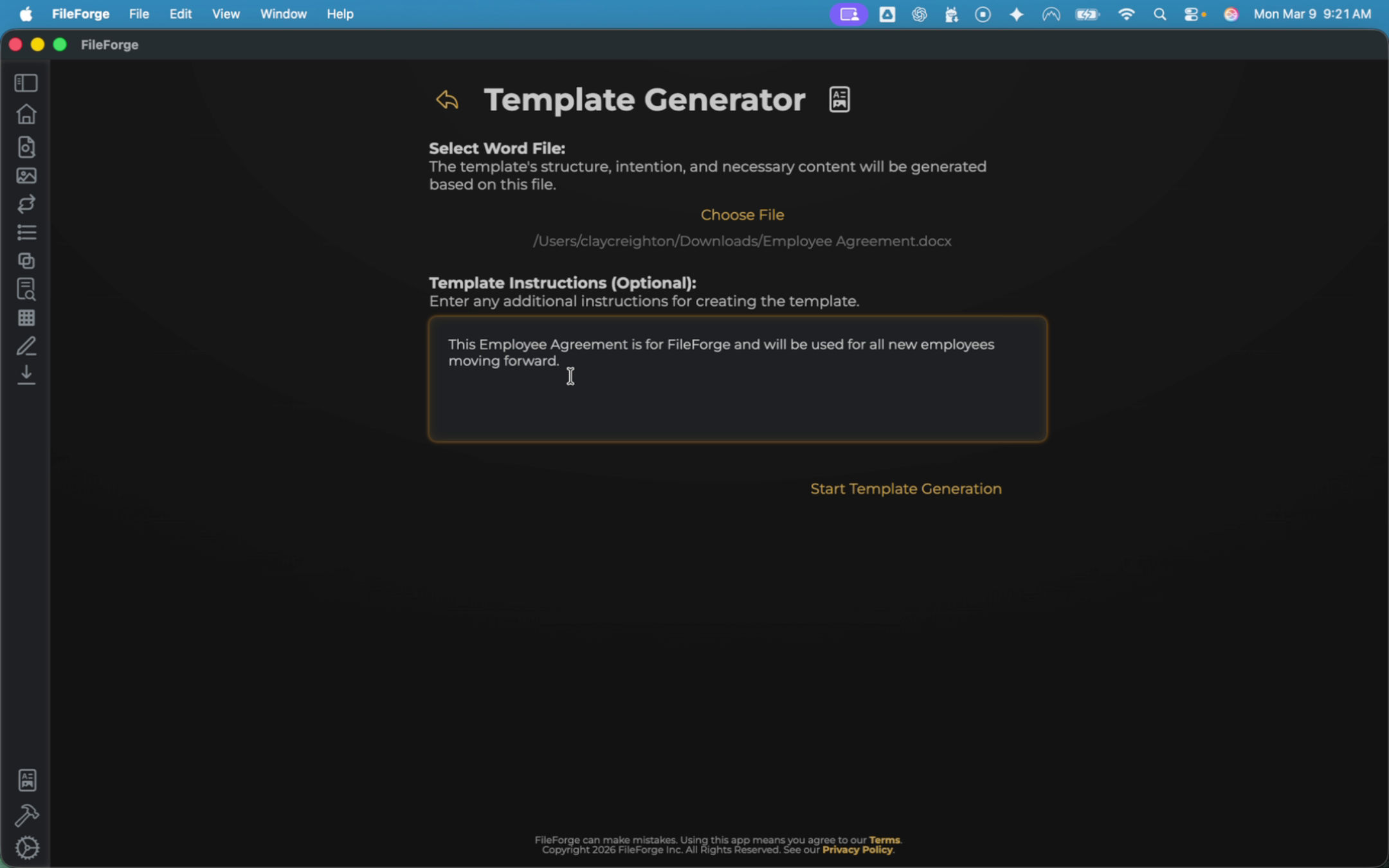
You then have the option to provide additional instructions. This example employee agreement is for FileForge Inc. and will be used for all new employees moving forward.
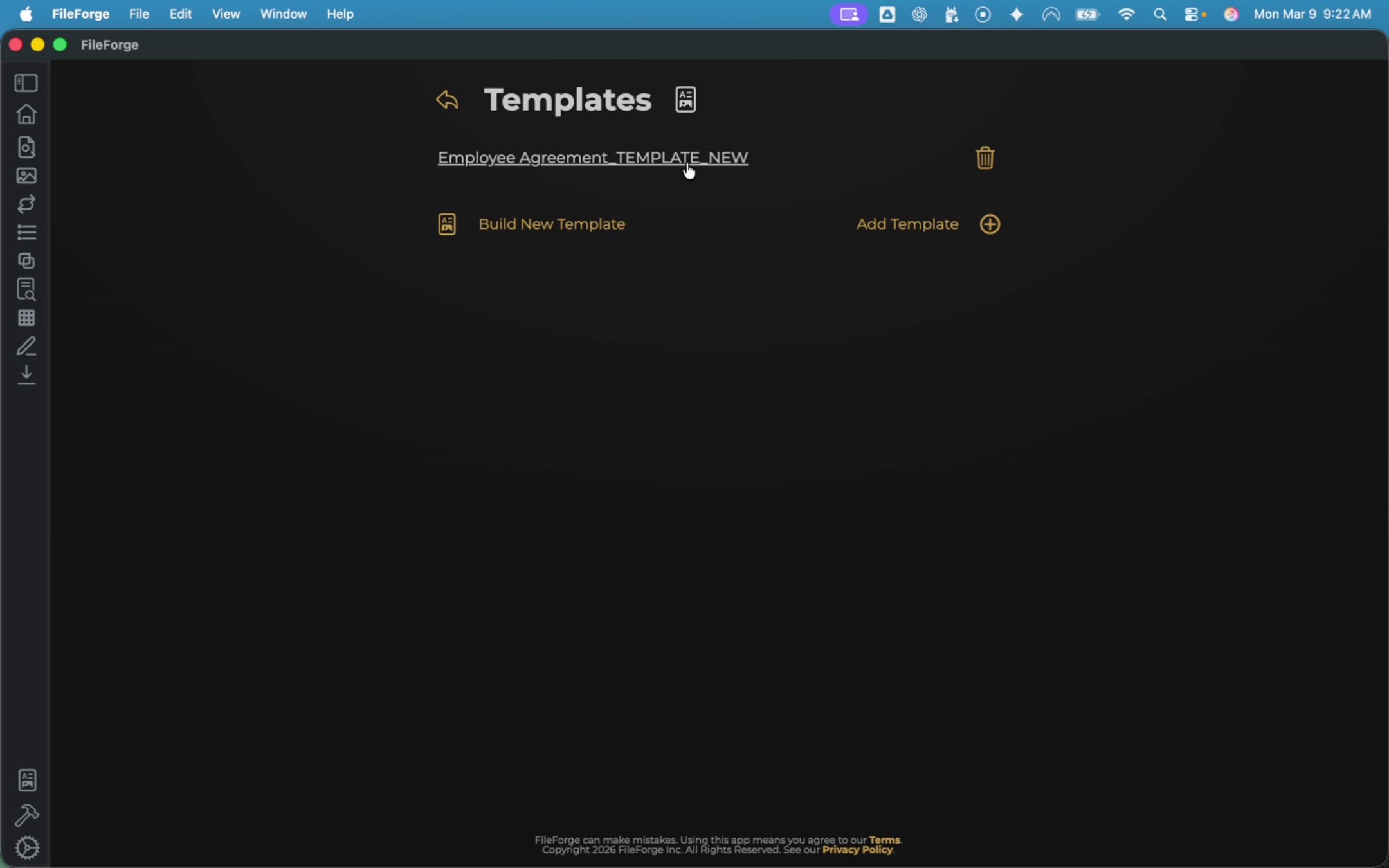
Confirm your new template is created and select it to open and review the template. Once confirmed, head back to the Home page.
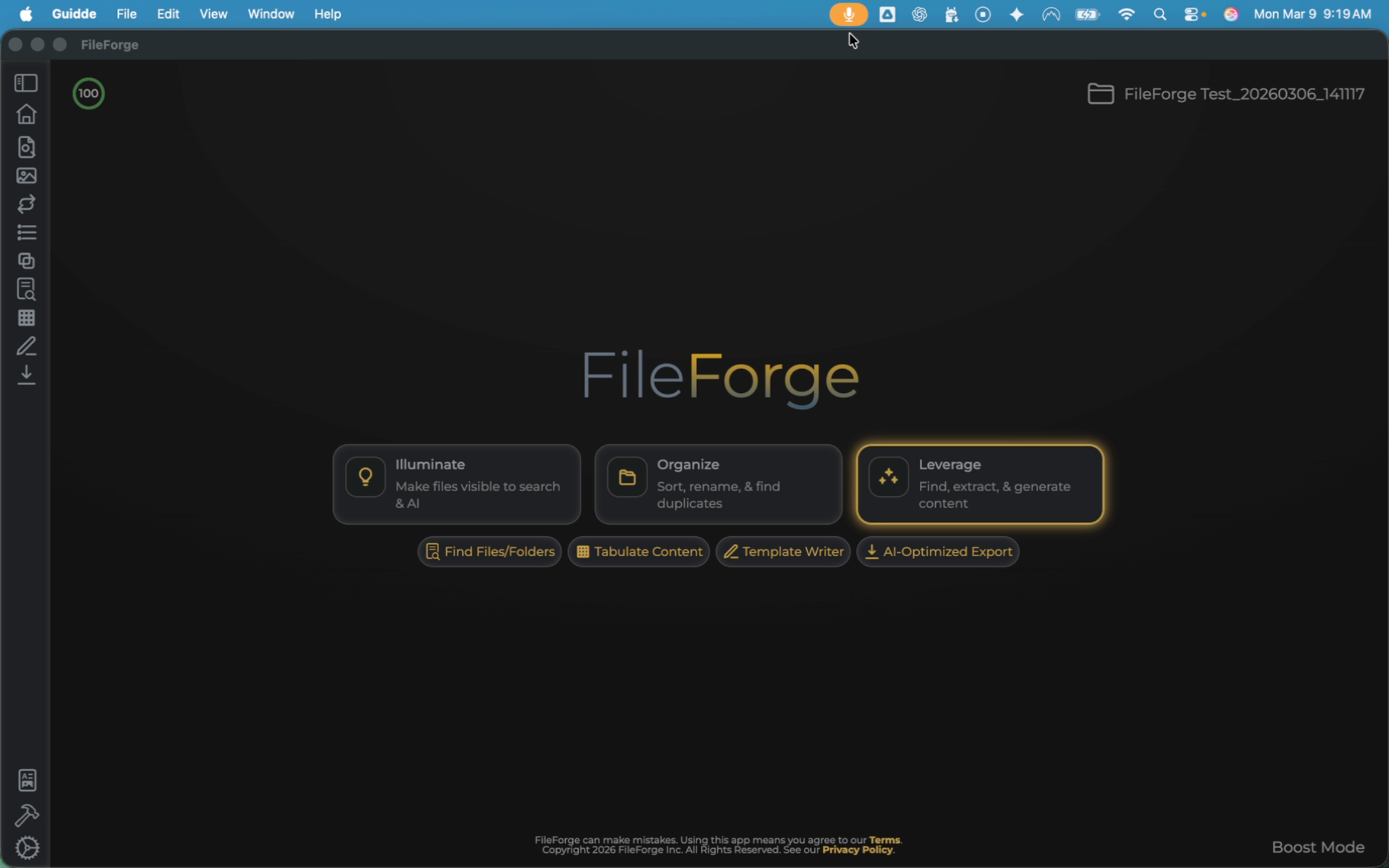
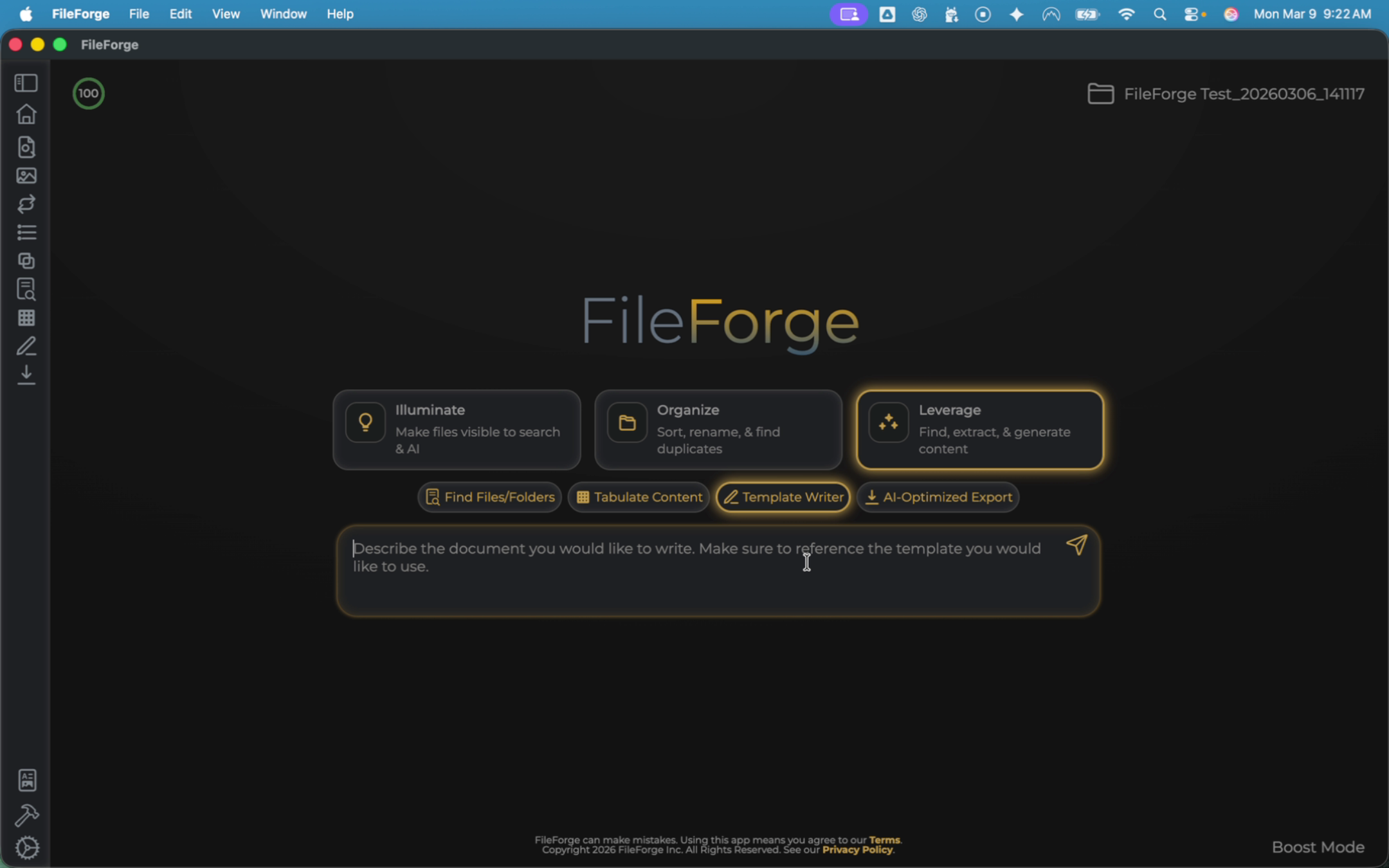
From the Home page, ensure you are on the Leverage tab. Then Select Template Writer. For today's example, let's say that you're getting a new employee at FileForge and need to generate a new employee agreement for them. I will put that within my prompt.
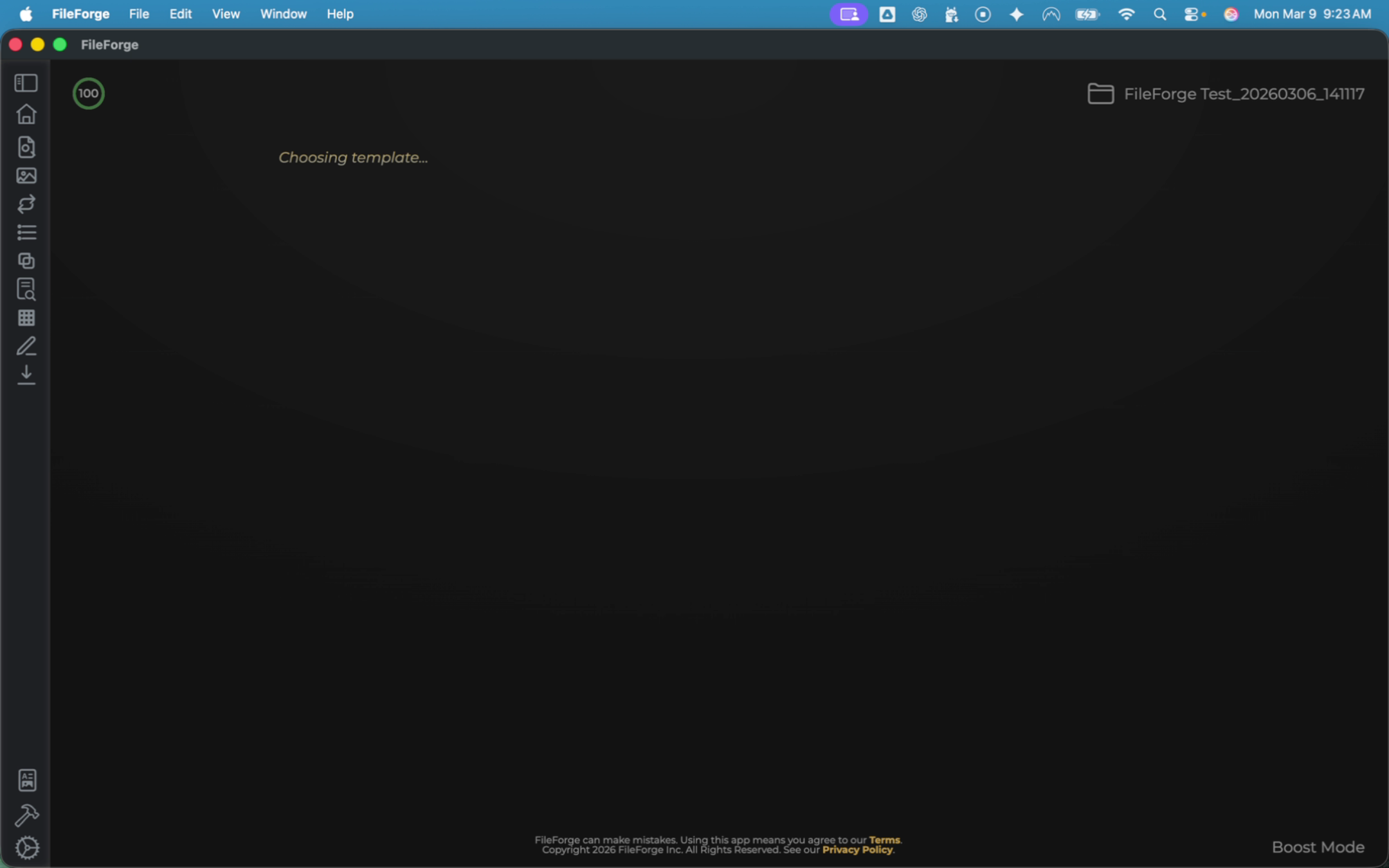
Run that prompt. FileForge will recognize that you're asking for an employee agreement and it will match that to your template.
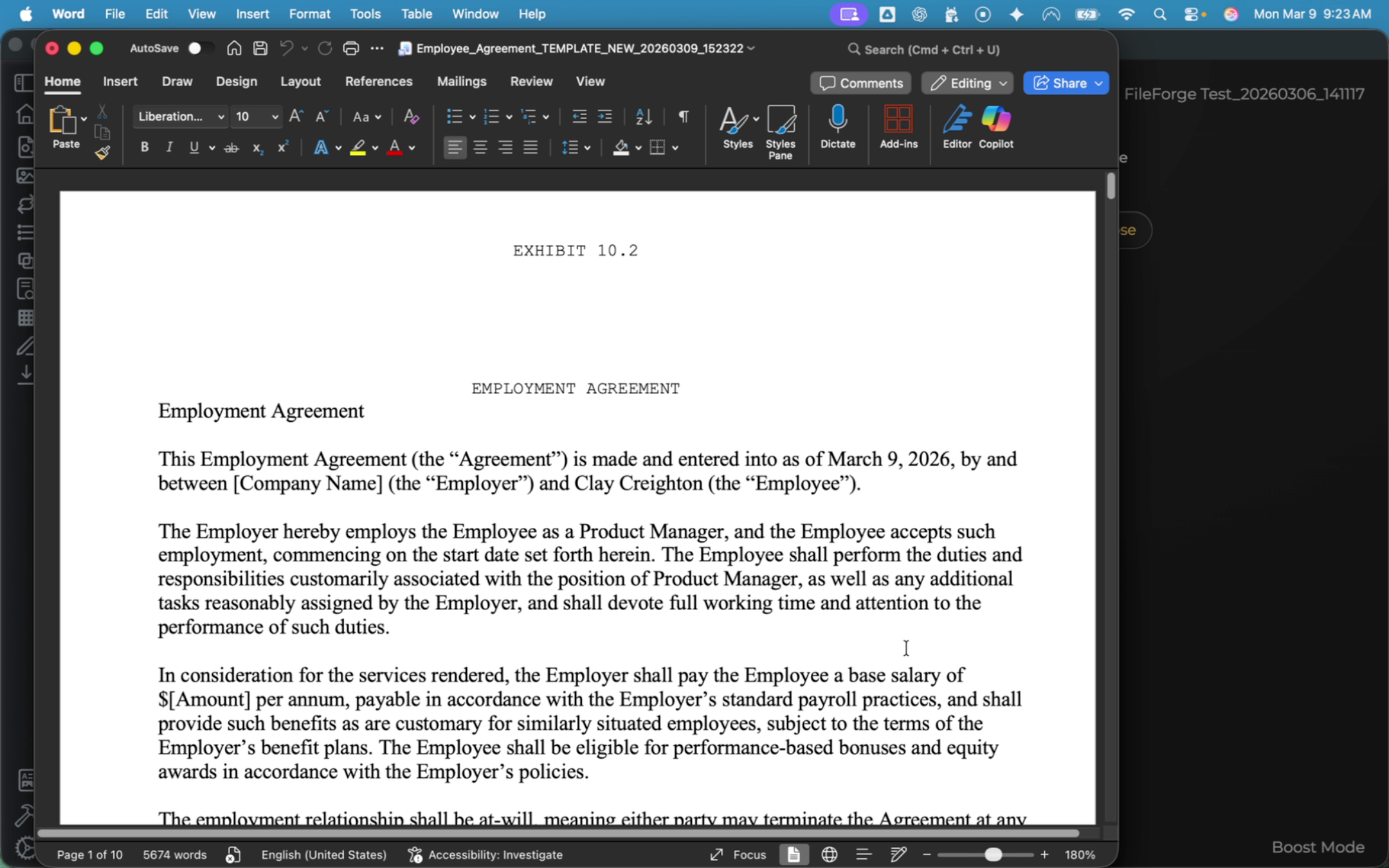
Review this agreement. You can see that it follows the same format and filled in the content based on your prompt.